What We Cut From Multi-Truck, and Why
Multi-truck packing shipped in v0.10. Here is what we deliberately left out: the all-trucks-at-once god view, nested containers, forced case assignment, and treating a truck as a special object. Plus the migration nobody sees.

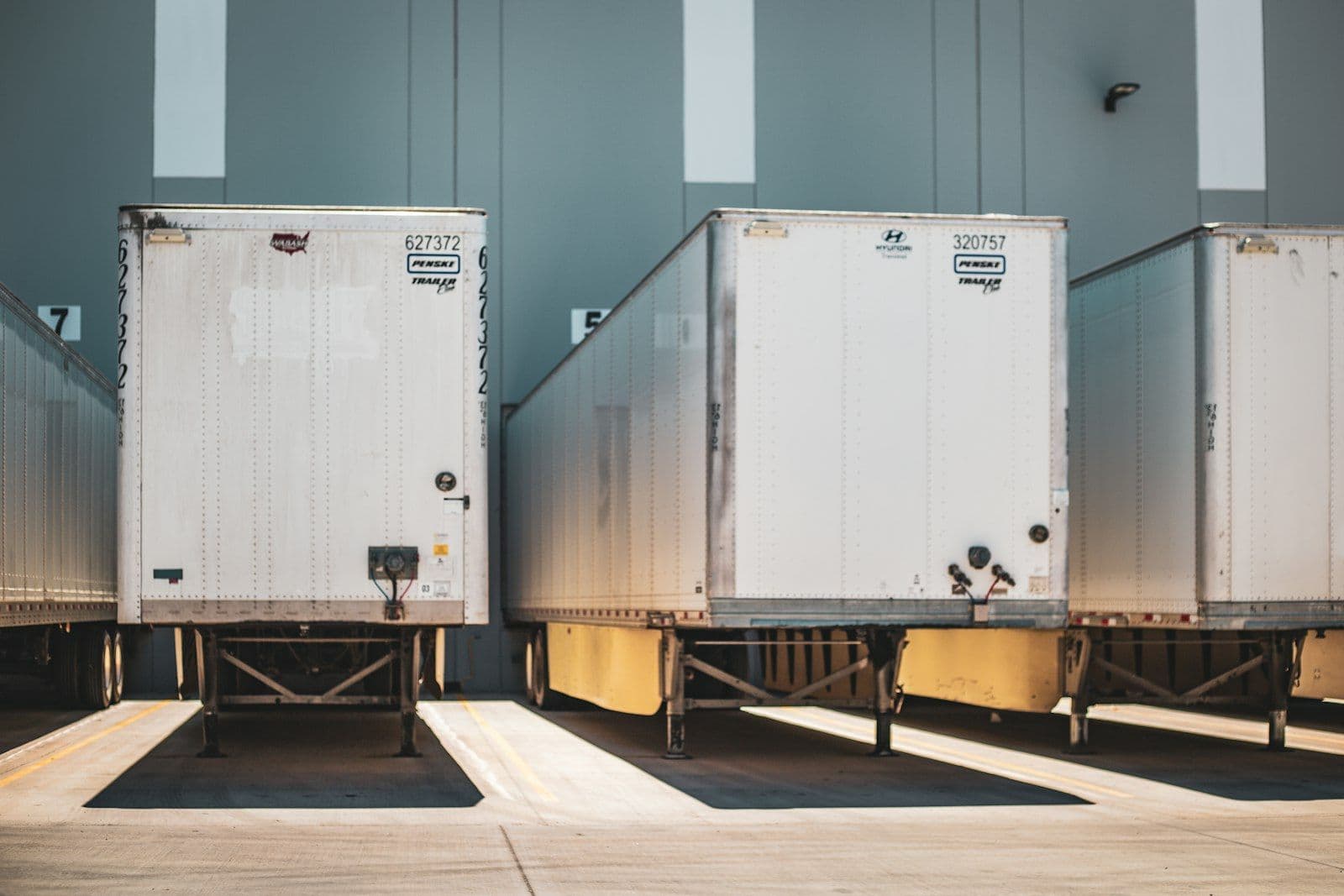
Multi-truck packing shipped in v0.10 on August 12, and we already wrote up what it does and what the loader sees. This is the other half of that story: the things we deliberately left out, and the reason each one got cut.
Who we built it for
The context matters, because it decided almost every call we made. The top 100 tours grossed $3.16 billion in the first half of 2026, up 12.3 percent, but the average per-show gross fell from $1.71 million to $1.63 million while show count jumped 18.2 percent. For everyone under the artist, that is more load-ins and more truck moves against the same rate card, with rigging, insurance, freight and rental all climbing 3 to 5 percent against a ticket price that barely moved.
At the same time the crew got thinner. The Live Production Summit's own framing is that tours are getting bigger and more complex exactly as the industry hits a generational labor gap, with experienced mid-career crew gone after COVID and advancing harder than ever. That gap is not new. A PLASA and #WeMakeEvents survey back in 2022 already had 69 percent of companies short on workers, with 17 percent of freelancers gone to film and TV and only half of those coming back full time. Four years later the people who left have not returned.
So we built multi-truck for the person standing at the ramp with a bad flashlight, not for the person building the plan at a desk with two monitors. Every cut below follows from that.
What we cut
The god view. The obvious version of multi-truck is all four trucks side by side in one 3D scene. It screenshots beautifully. It is also useless at 7am, because you are loading one truck and everything else on screen is noise. So we hide the contents of every container you are not working in, and the other trucks stay as transparent shells for context. You still see the whole yard, you only see the cases in the truck you are actually packing.
Nested containers. A truck inside a truck is not a thing, so a container cannot be a child of another container. That sounds like a limitation until you write the migration: because containers always stay at the root, moving old packs into the new model can be run twice without doing damage, since the second pass finds nothing but containers up top.
Forcing everything into a truck. Cases that belong to no container are still legal. They sit staged on the floor, exactly like they do in real life at 6am before anybody decides what rides where. We could have required every case to be assigned, and it would have made the data model tidier. Loading does not work that way.
Keeping "truck" as a special object. The whole export layer got renamed from trucks to containers, because a semi, a 26 foot box truck, a shipping container, a pallet and an air cargo ULD are the same problem with different walls. One concept, more surface area for free.
The part nobody sees
Here is the thing that actually took the time. Before v0.10, truck membership was cosmetic. Cases lived at the top level of the pack and the truck was drawn around them. Nothing in the data said a case was in a truck, so there was nothing to split.
Making membership real meant making the parent relationship the single source of truth, and that meant a migration for every pack that existed before August 12. It could not just re-parent them either. Positions are stored relative to the parent, so re-parenting alone would have flung every case to wherever its coordinates happened to land inside the truck. Each one had to be rebased into the container's own frame first. The cutoff timestamp in that migration is a hardcoded date rather than a live clock, so a resumed or repeated run always touches exactly the same set of packs.
The gate, and what it does not do
Multi-truck is a business tier feature. Everyone else gets one container per pack, and you cannot copy and paste your way past it, because the same rule runs on the client, on the server and on the API.
Two things it deliberately does not do. It only gates additions, so a pack that already holds several containers keeps working and deleting is always allowed. And free trials now get full business access, so you can pack four trucks before you pay for anything.
If we got a cut wrong, tell us. That list is a set of bets about how a load-out actually goes, and the crew on the ramp is the only one who can settle it.
Ready to split a pack across trucks? Log in to Truck Packer and build it.

