From Pull Sheet to Load Plan: How Truck Packer's API Automates Vendor Import
Production managers can use Truck Packer's REST API to automatically import vendor pull sheets from Clair, VER, Solotech, and more — turning Monday's gear list into a 3D load plan by lunch.

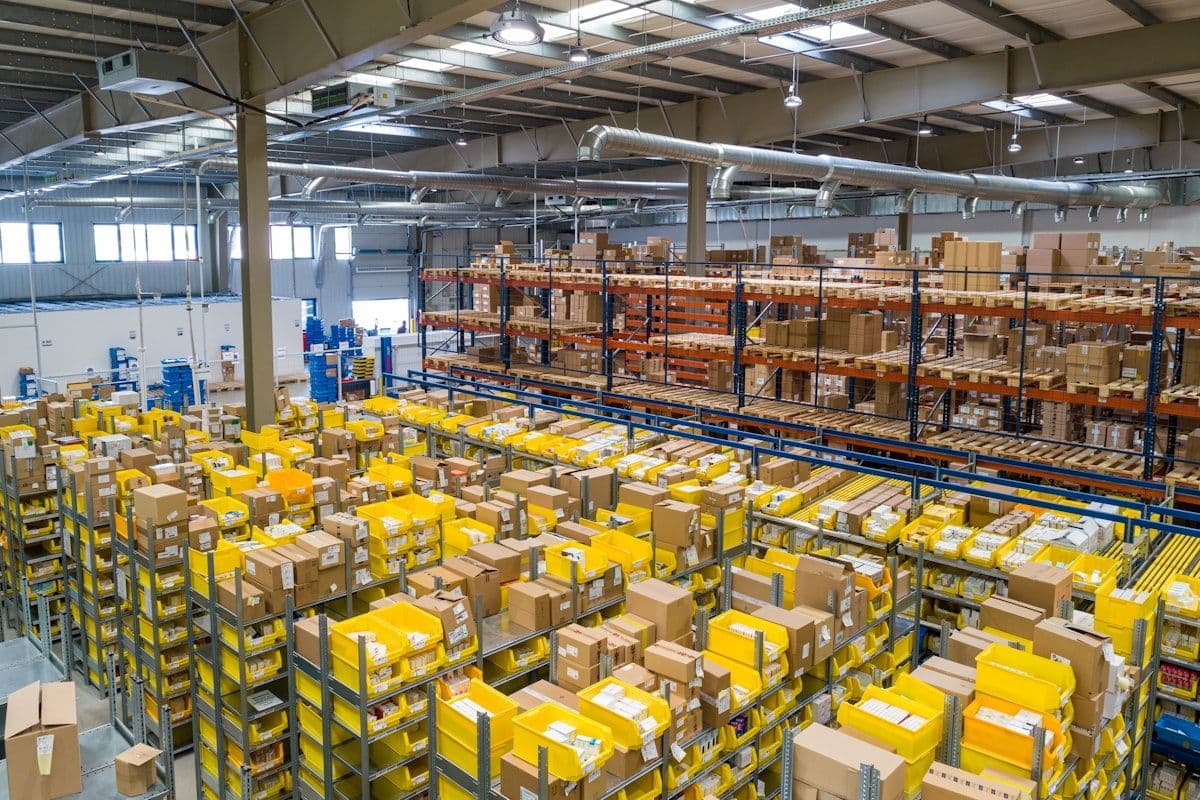
If you've ever managed logistics for a live event tour, you know the drill. A vendor pull sheet lands in your inbox — maybe it's a 14-page PDF from Clair Global with 200 line items of audio gear, or a spreadsheet from Solotech with lighting rigs broken down by case and sub-component. Your job: get every piece of that gear into a load plan so your crew knows exactly what goes where on the truck. And you needed it done yesterday.
For most production managers, that means hours of manual data entry — re-typing case names, dimensions, and weights into a planning tool, cross-referencing sub-items, and hoping you didn't transpose a number somewhere between the pull sheet and the load plan. Multiply that by three or four vendors per show, and a 30-city tour, and you're looking at a serious chunk of time spent on work that a computer should be doing for you.
That's exactly the problem Truck Packer's REST API was built to solve.
The Manual Data Entry Problem Nobody Talks About
In the touring world, vendor pull sheets are the source of truth. They tell you what gear is shipping, how it's packed, what each case weighs, and how many pieces are on the order. But here's the thing — there's no standard format. Clair sends theirs one way. VER does it differently. Solotech has their own layout. Christie, PRG, 4Wall — every vendor has a unique format, and that means every tour starts with the same tedious exercise: someone sitting down and manually entering all of that data into whatever planning tool the team uses.
This isn't just slow — it's risky. A mistyped weight throws off your axle calculations. A missed case means a last-minute scramble at the loading dock. And because pull sheets change (gear gets added, swapped, or pulled right up to show day), you're often doing this more than once per vendor, per tour.
The broader logistics industry has been moving aggressively toward API-first integration to solve exactly these kinds of problems. According to recent industry analysis, API-driven logistics platforms are eliminating thousands of labor hours annually — one study found that a five-person dispatch team recovered roughly 3,900 hours per year by automating manual workflows through REST APIs. The global logistics automation market is projected to reach $70.58 billion by 2031, growing at over 11% annually. The message is clear: manual data handling is a bottleneck that modern logistics can no longer afford.
The touring industry is no exception. It's time to automate the pull sheet.
How the API Workflow Works
Truck Packer exposes a full REST API that lets you programmatically create and manage every element of a load plan — from case categories and individual cases down to fully positioned 3D entities inside a pack. Here's how the pull-sheet-to-load-plan pipeline works in practice.
Step 1: Ingest the pull sheet. Your automation script (Python, Node, whatever your team prefers) reads the vendor's pull sheet — whether that's a CSV export, an Excel file, or a parsed PDF. The script identifies each "piece" (the physical road case or flight case that goes on the truck) by looking for rows with dimensions. Everything without dimensions is a sub-item — gear that lives inside the case above it.
Step 2: Calculate loaded weights. This is a detail that trips people up. Most vendor pull sheets list the weight of the empty case on the piece line. The actual loaded weight is the case weight plus the weight of everything inside it. The API workflow handles this automatically: for each piece, it sums the piece's own weight plus all sub-item weights beneath it. That gives you the realistic loaded weight for accurate packing and weight distribution calculations — not the empty case weight that would throw off your plans.
Step 3: Match or create case categories. Before creating cases, the script checks existing categories via the /case-categories endpoint. Audio gear, lighting rigs, video cases, rigging hardware — each gets its own color-coded category for visual identification in the 3D view. If a category doesn't exist yet, the script creates it on the fly.
Step 4: Create or update cases. Each piece from the pull sheet becomes a case in Truck Packer via the /cases endpoint. The script maps vendor data to Truck Packer's schema: name, length, width, height (in meters), weight (in kilograms), manufacturer, category ID, and canRotate3d (which defaults to false — most road cases must stay upright). If the case already exists from a previous import, it updates rather than duplicates.
Step 5: Generate the load plan. This is where it gets powerful. The script creates a new pack via /packs, then uses /entities:batchCreate to place a 53-foot dry van trailer and every case as positioned 3D entities. Using a packing algorithm that mirrors how crews actually load — building rows across the trailer width, keeping similar gear grouped together, leaving gaps for load bars every 8 to 16 feet — the script produces a realistic load plan that your crew lead can pull up on their phone and follow on load-in day.
The Vendor Format Challenge — and Opportunity
Let's be real: the hardest part of this automation isn't the API calls — it's parsing the vendor pull sheets themselves. Every audio, video, and lighting vendor formats their documents differently. Column orders vary. Some use "Piece #1:" prefixes while others use indentation. Weight might be in pounds or kilograms. Dimensions might be in inches, centimeters, or a mix of both.
But here's the opportunity: in the touring world, you're typically working with the same handful of vendors repeatedly. Clair Global handles audio for a huge percentage of major tours. VER (now PRG) and Solotech dominate video and lighting. If you build a solid parser for your top three or four vendors, you've automated 80 to 90 percent of your pull sheet volume. Each new vendor parser you add extends the automation further.
Think of it as building a vendor integration library. A Clair parser knows that their pull sheets list piece weights in the "Weight" column and sub-items are indented below each piece. A Solotech parser handles their specific spreadsheet layout. Once built, these parsers work for every tour that uses those vendors — and in an industry where the same vendors show up tour after tour, that's a massive return on a relatively small upfront investment.
This is exactly the kind of API-first approach that's transforming logistics at scale. Leading carriers and logistics providers have already shifted to APIs as their preferred integration pathway — what used to require EDI feeds and manual coordination now happens through RESTful endpoints and JSON payloads. The touring industry has the same opportunity to leapfrog manual processes.
What This Looks Like on a Real Tour
Let's walk through a realistic scenario. You're the production manager for an arena tour. You've got three vendors: Clair for audio, Solotech for lighting, and a video vendor sending camera packages and LED wall sections. Here's your Monday morning:
9:00 AM — Pull sheets arrive from all three vendors via email. Your automation script (triggered by an inbox rule, a webhook, or even a simple scheduled check) picks up the attachments.
9:05 AM — Each pull sheet is routed to its vendor-specific parser. The Clair parser extracts 87 pieces with sub-items and calculates loaded weights. The Solotech parser handles 64 lighting cases. The video parser processes 41 pieces.
9:10 AM — The script hits Truck Packer's API. It creates or updates case categories (Audio, Lighting, Video, Rigging), creates 192 cases with accurate dimensions and loaded weights, then generates a new pack with a 53-foot trailer and all cases positioned using the packing algorithm — rows across the trailer width, grouped by department, with load bar gaps.
9:15 AM — A Truck Packer link is sent to your crew lead. They open it on their tablet and see a fully rendered 3D load plan — color coded by department, with every case in position. They can spin the view, check weights, and plan their load-in sequence.
From pull sheet to load plan in 15 minutes. No manual entry. No transposed numbers. No "wait, did we account for the amp rack sub-items?" conversations. And when the vendor sends a revised pull sheet on Wednesday because they swapped out a console, the same pipeline runs again and updates everything automatically.
Now multiply that across the five tours you're managing simultaneously. That's the kind of leverage that changes how a production office operates.
The API Endpoints That Make It Work
For the technically inclined (or for whoever you're handing this to for implementation), here are the specific Truck Packer API endpoints involved in the pull sheet automation workflow:
/case-categories — List existing categories or create new ones. Each category gets a name and a hex color for visual coding in the 3D view. Your script checks for existing categories first and only creates what's missing.
/cases — Create, update, or list case definitions. Each case has a name, dimensions (meters), weight (kilograms), manufacturer, category reference, and a canRotate3d flag. This is your gear inventory — every road case, rack, workbox, and pelican case gets an entry here.
/packs — Create a new loading plan workspace. A pack is the container for your entire load plan — it holds the trailer entity and all the case entities positioned inside it.
/entities:batchCreate — The workhorse endpoint. This is where you place every case inside the trailer as a positioned 3D entity with exact coordinates, dimensions, and rotation. Batch creation means you can send hundreds of entities in a single request, making it efficient even for the largest tours.
The API uses a Y-up coordinate system (X for length along the trailer, Y for height, Z for width), dimensions in meters, and weights in kilograms. All authenticated via bearer token. It's straightforward REST — no complex SDKs or proprietary protocols required.
Why This Matters Now
The live events industry is busier than ever. Tours are getting bigger, schedules are tighter, and production teams are managing more shows with fewer administrative resources. At the same time, the logistics technology landscape has matured to the point where API-first platforms are the expectation, not the exception.
In 2026, the supply chain industry has firmly crossed the threshold from experimentation to execution on automation. Industry forecasts show logistics automation spending nearly doubling over the next five years. Carrier networks are increasingly API-native, with legacy EDI connections becoming the fallback rather than the foundation. The tools and patterns that major freight carriers use to automate shipment booking, tracking, and capacity planning are the same tools available to a touring production manager who wants to automate load planning.
The touring industry has always been resourceful — building custom solutions, adapting tools from other industries, finding creative ways to move mountains of gear across the country on tight timelines. API-driven load planning is the next evolution of that resourcefulness. Instead of adapting a generic logistics tool, you're connecting your specific vendor workflows directly to a platform built for how touring actually works.
Getting Started
If you're a production manager or logistics coordinator who's tired of re-typing pull sheets, here's the path forward:
Start by picking your highest-volume vendor — the one whose pull sheets you handle most often. Build a parser for that format. Connect it to Truck Packer's API. Run it on your next tour and compare the result to your manual process. Once you see a 192-piece pull sheet turn into a positioned 3D load plan in under a minute, you'll wonder why you ever did it by hand.
Then add your second vendor. Then your third. Each parser you build compounds the time savings across every tour that uses those vendors. Before long, pull sheet day goes from a full afternoon of data entry to a 15-minute automated pipeline that runs while you focus on the hundred other things on your plate.
Truck Packer's API is ready for this. The endpoints are documented. The authentication is simple. The platform is built for the kind of gear and trucks that touring professionals actually use. Try Truck Packer free and see what your load planning workflow looks like when the pull sheet does the work for you.
Everything above lives in the app. Log in to Truck Packer and start packing.

