Introducing Weight Visualization in Truck Packer
No more guessing on weight distribution, or total pack load.

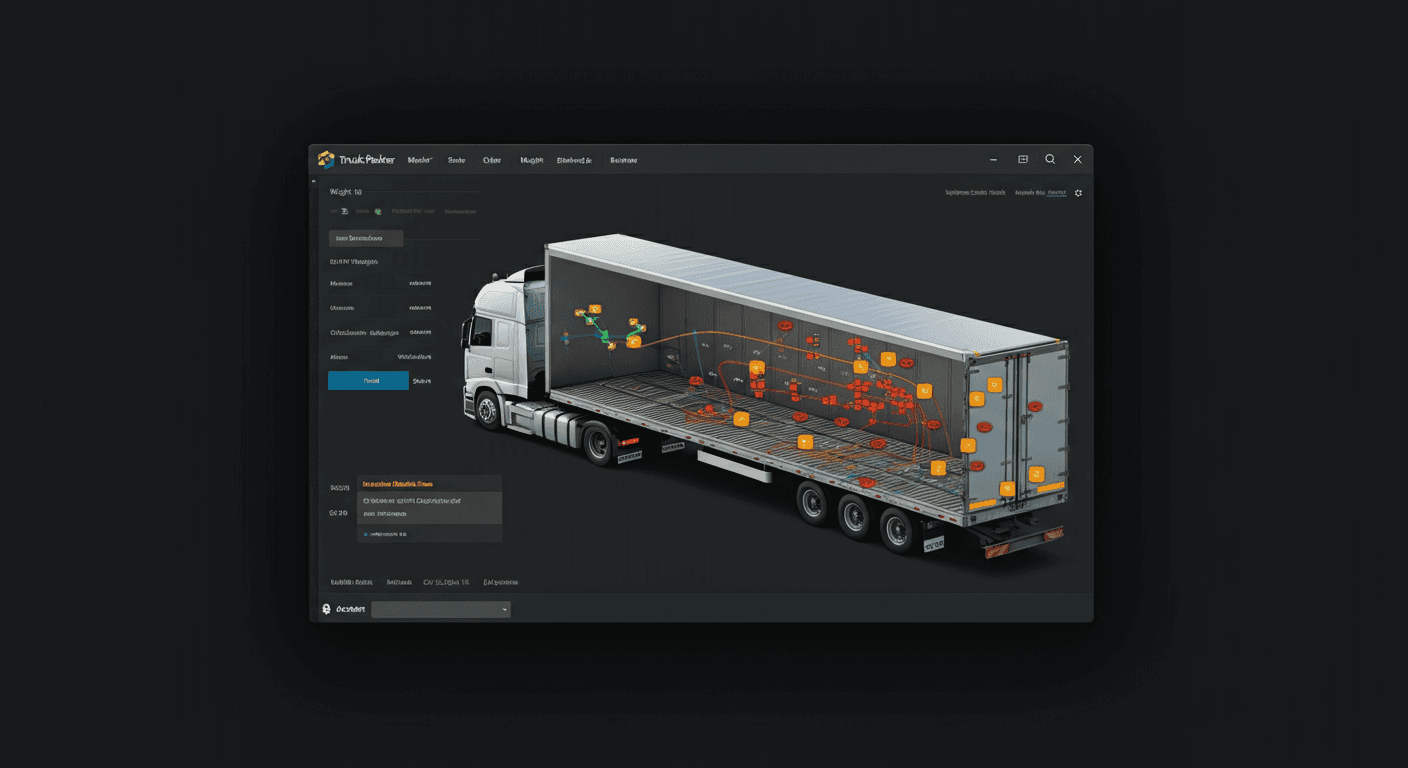
Truck Packer has always focused on optimizing space—fitting the most cargo into your truck bed or trailer. But space is only part of the equation. Weight matters too, and now Truck Packer gives you the tools to visualize and manage it.
Teddy Bears vs Bricks
Imagine packing a truck full of teddy bears. You'd fill every cubic inch, but the total weight would be negligible. Now imagine the same truck packed with bricks. Same space, vastly different weight—and vastly different implications for your vehicle, your safety, and the law.
That's why weight visualization is now built into Truck Packer.
When Weight Does Matter
Weight isn't just a number—it affects:
- Vehicle performance: Overloading can damage suspension, brakes, and tires.
- Safety: Uneven weight distribution can cause instability, especially during turns or sudden stops.
- Legal compliance: Many jurisdictions have strict weight limits for vehicles and axles.
- Fuel efficiency: Heavier loads mean higher fuel consumption.
Until now, you had to guess. Not anymore.
New Weight Tools
Truck Packer now includes three powerful weight features:
Weight Visualization Mode
Toggle between space-based and weight-based visualization. In weight mode, heavier items appear larger, giving you an instant visual sense of where the weight is concentrated.
Weight Readout Dashboard
See total pack weight at a glance. Know exactly how much you're loading before you hit the road.
Case-Level Weight Inspector
Drill down into individual cases to see their weight contribution. Perfect for identifying heavy outliers or balancing your load.
by Michael Keith Lewis
Put it to work: log in to Truck Packer and build your load plan.

